From public link to downloadable media
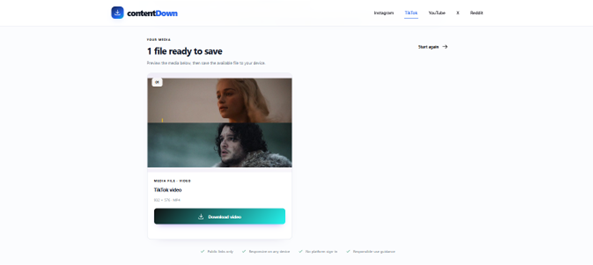
These screenshots were captured from the live ContentDown interface. The examples illustrate a particular public post; available results vary.

Follow these steps
Copy a public TikTok video or photo-post link.
Paste the link into the TikTok downloader and choose Find media.
Inspect the returned items and use the available download control. For photo posts, review each image.
Only save or reuse media when you have the appropriate rights or permission. Public access does not grant a reuse licence.
Photo posts are collections
TikTok photo posts contain a sequence of still images rather than one conventional video stream. They need a different retrieval and results experience from video posts.
How ContentDown presents them
When a supported public photo post is detected, ContentDown presents its available images in order so they can be reviewed and saved individually or as the supported collection workflow allows.
Share links
The TikTok service supports standard public URLs and common vt.tiktok.com and vm.tiktok.com share links. Short links are resolved before media detection begins.