Validate the URL
The relevant service checks that the submitted address belongs to the supported platform and matches a public-post workflow.
Inside ContentDown
A plain-language view of the system: validation, media discovery, quality selection, secure delivery and the boundaries we deliberately keep.
The relevant service checks that the submitted address belongs to the supported platform and matches a public-post workflow.
ContentDown asks the platform-facing service to identify compatible public media. Each integration is platform-specific because posts and media structures differ.
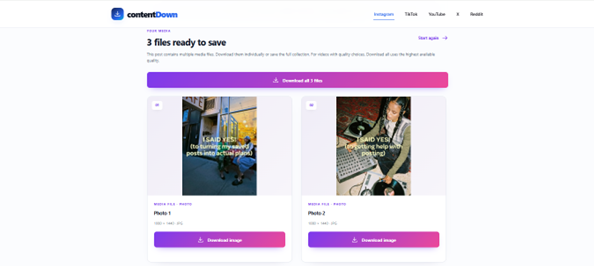
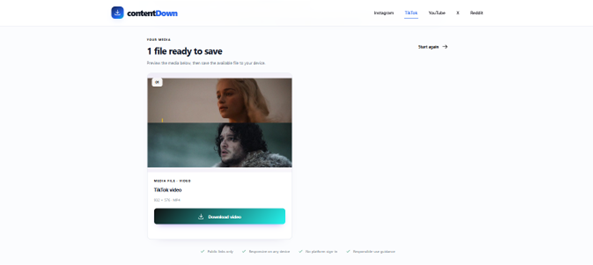
Photos, galleries and videos are returned as structured results. Where a platform exposes multiple compatible video renditions, the interface can present those real choices.
Some media systems deliver components separately. Some platforms deliver multiple renditions, and the supported services provide the compatible representations available for the post.
Download endpoints use validated, time-limited information and stream the selected media. Your browser ultimately decides where the file is saved.
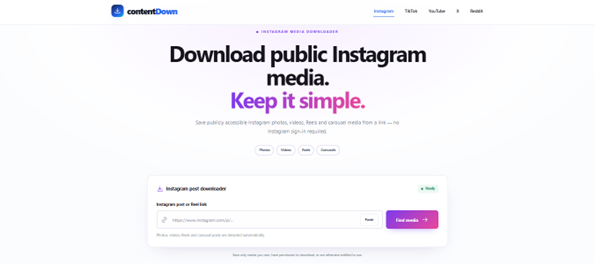
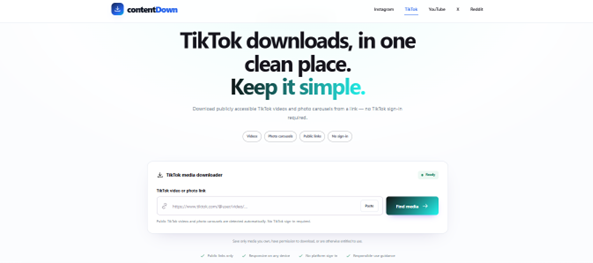
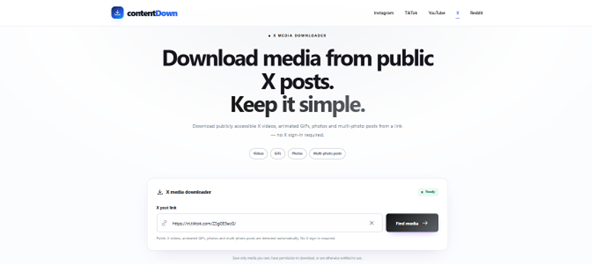
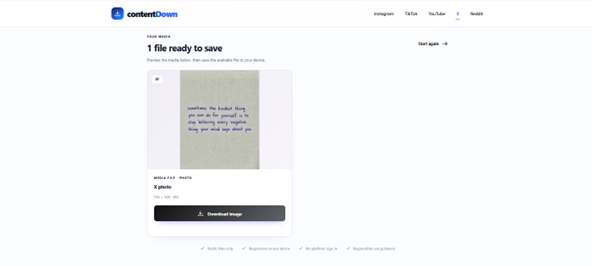
Below are real examples of the input and resolved-media states from three supported downloaders. They show the interface, not a promise that every public post is retrievable.
What we do not ask for
The production downloaders are built for supported public media. ContentDown does not ask users to paste platform passwords, session cookies or private-account credentials into the website.
That boundary is intentional. If content requires private account access or another access control, the public-media workflow is not designed to bypass it.