From public link to downloadable media
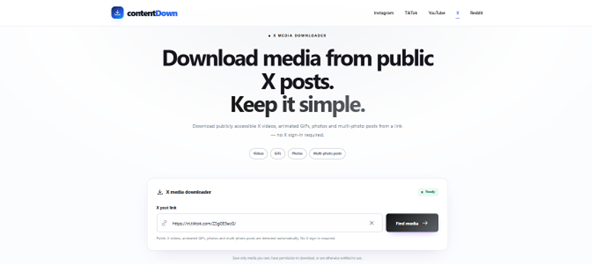
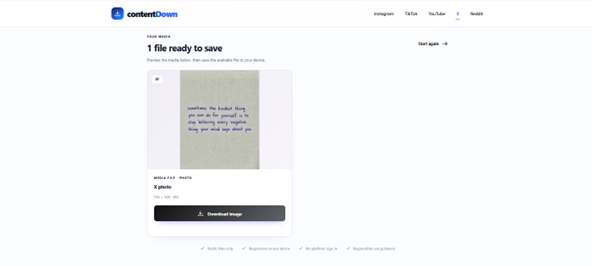
These screenshots were captured from the live ContentDown interface. The examples illustrate a particular public post; available results vary.
Follow these steps
Copy a public X status URL for a post containing video.
Use Find media and wait for the returned video result.
If the result offers multiple video renditions, select the resolution appropriate for your use.
Only save or reuse media when you have the appropriate rights or permission. Public access does not grant a reuse licence.
Multiple renditions
A supported public X video can expose several MP4 renditions. ContentDown lists the available resolution choices instead of inventing quality levels that are not present.
Highest is not always necessary
Use the largest rendition when detail matters. Smaller versions are useful for quick reference, limited storage or slower connections. Resolution should be considered alongside bitrate and the quality of the source upload.
No artificial upscaling
ContentDown does not create a 1080p option from a smaller source merely to display a larger number. The quality selector reflects the compatible media renditions detected for the post.